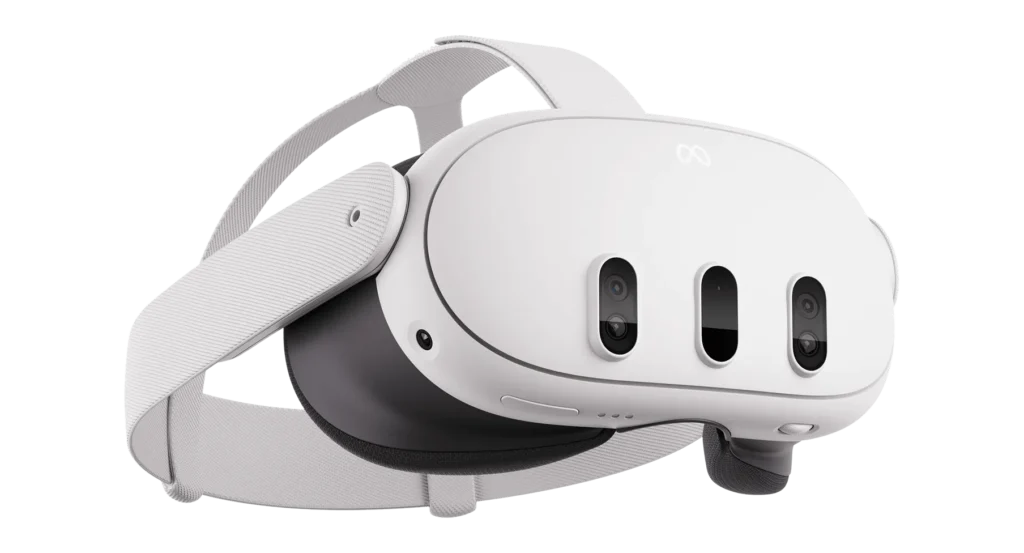
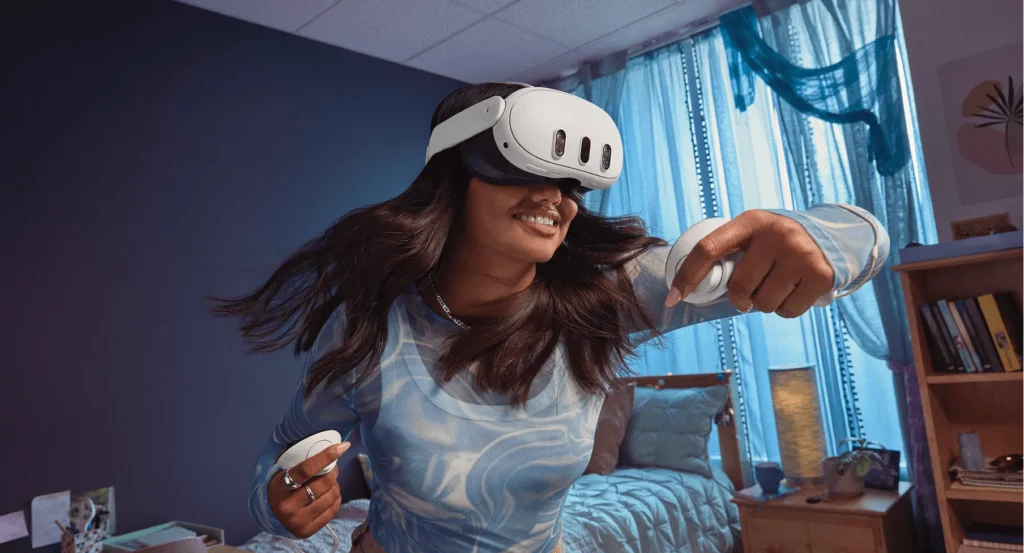
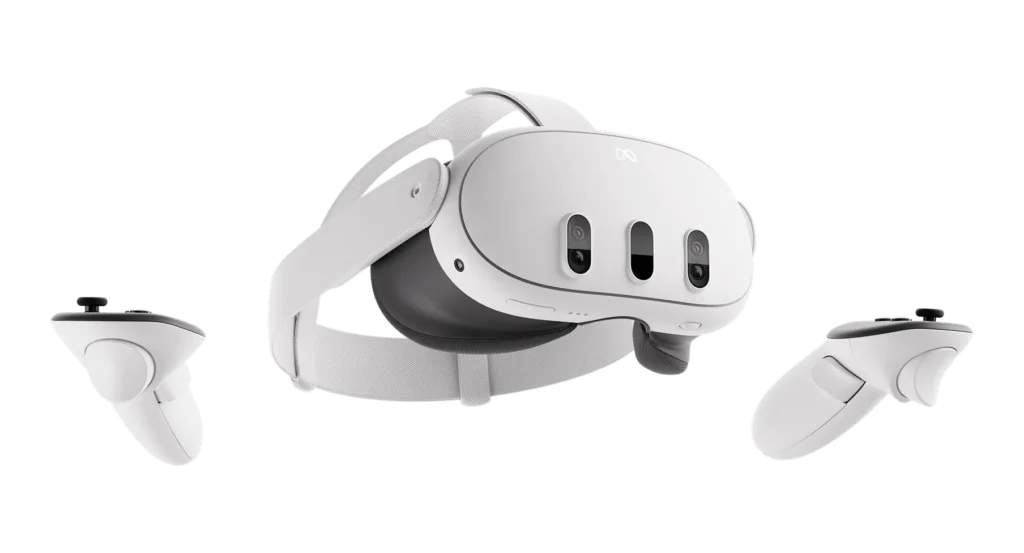
Now that you know who the Quest 3 is built for, it becomes easier to understand what the headset is actually capable of. The Quest 3 comes in both a 128GB model and a larger 512GB model, giving you the choice between a simple starter option or expanded storage for bigger games and media. From here, the headset blends upgraded hardware with mixed reality features, clearer visuals, and smoother performance across gaming, fitness, creativity, and everyday VR use.
Hardware and performance
Dual LCD displays delivering 2064 × 2208 pixels per eye for sharper detail.
Snapdragon XR2 Gen 2 chip offering about 2.5 times the performance of Quest 2.
8GB RAM for stability across large apps, complex worlds, and multitasking.
Enhanced inside-out tracking with four cameras and upcoming full-body tracking through AI.
Mixed reality and passthrough
Full-color passthrough with natural depth and lighting for realistic MR apps.
Instant switching between VR and MR without losing awareness of your surroundings.
Depth sensing that anchors virtual objects to real surfaces.
Design and usability
Slimmer, lighter build with improved weight distribution.
Scroll-wheel IPD adjustment (53–75mm) for fast and precise comfort tuning.
Upgraded audio drivers that deliver louder, cleaner sound.
Improved ergonomics for longer, more comfortable play sessions.
Software and compatibility
Runs on Meta Horizon OS with a wide standalone VR library.
PCVR support through Air Link, Virtual Desktop, or USB-C.
Multiple Guardian profiles for room-scale, seated, and stationary modes.
Battery and limitations
Two to three hours of play per charge depending on the app, extendable with accessories.
No built-in eye tracking.
Hand tracking works well but may struggle with very subtle finger movements.
Summary
The Quest 3 delivers clearer visuals, stronger performance, and advanced mixed reality tools, giving users a flexible and powerful standalone headset. Understanding these capabilities makes it easier to know what to expect once you start using it day to day.